
UQAM | Université du Québec à Montréal Project
App Design: Interactive Audio-Visual Experience for University Educators
Redesign of a classroom AV control application so professors can run classroom technology autonomously during class.
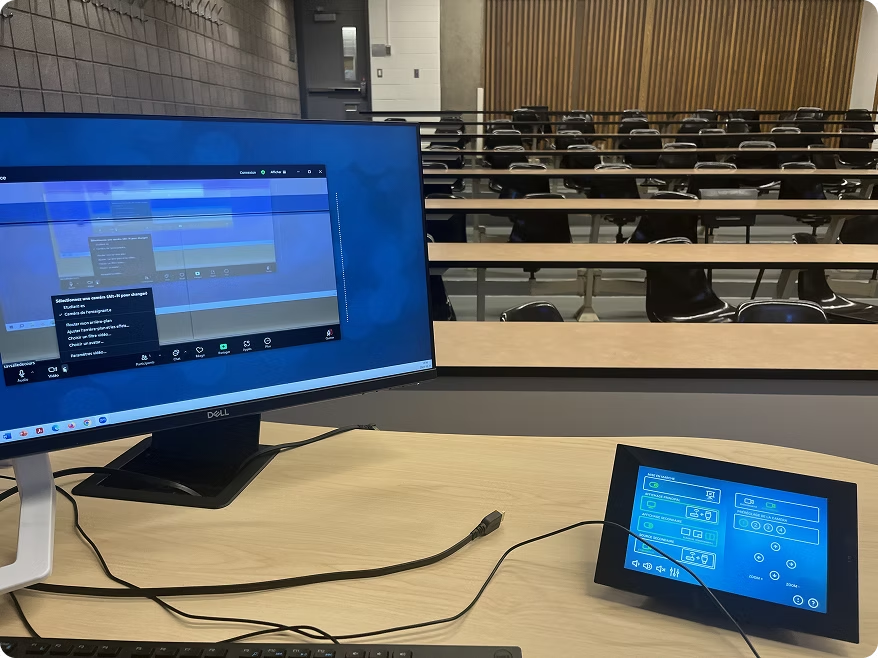
Project Detail
UQAM classrooms are equipped with an application for managing display content during lectures, as well as camera and audio settings for remote students. All of those parameters are controlled through a touchscreen application located near the instructor's desk. The existing application made it nearly impossible for professors to operate independently: the interface lacked clear affordances, used technical jargon unfamiliar to instructors, and organized controls according to the system's architecture rather than the instructor's workflow. The result was a constant stream of IT support calls, interrupted lectures, and frustrated faculty. The university's IT team reached out to me to improve the application's usability and clarity, with the goal of enabling professors to manage classroom technology autonomously during class.
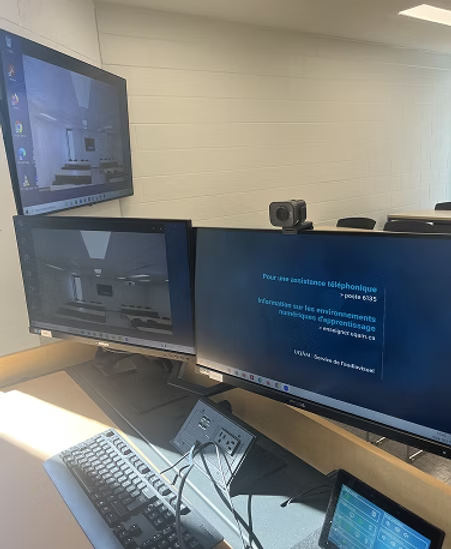
UX Research
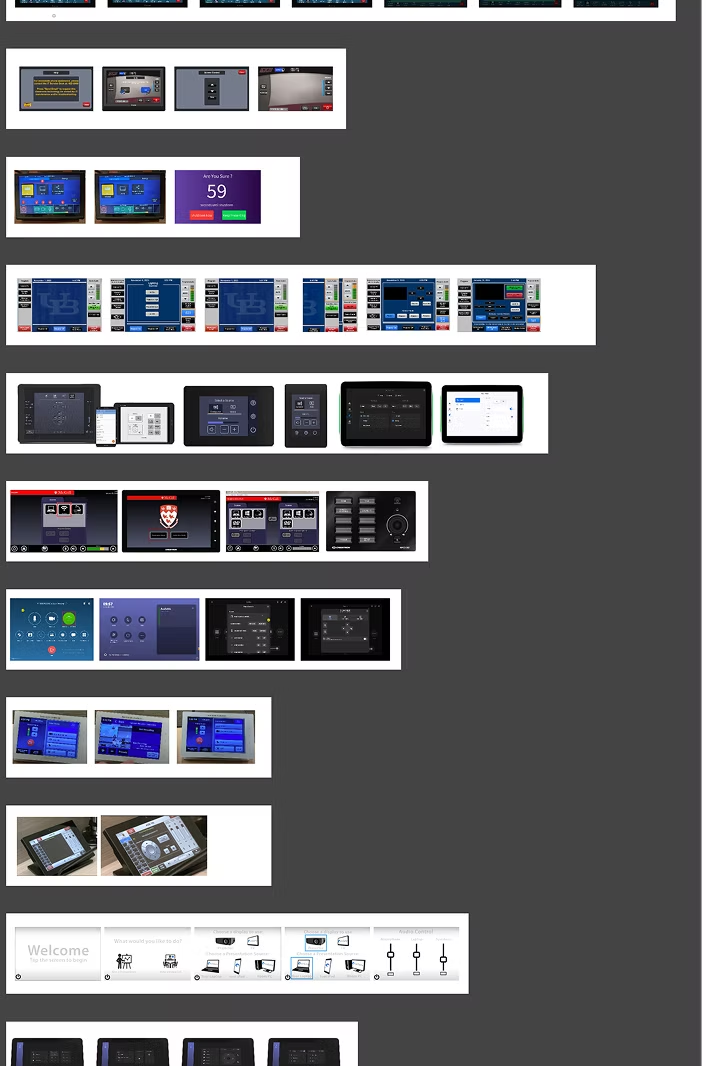
During the research phase, I met with the team to gain a clear understanding of the users' challenges. I observed users in real conditions — during one-class setup, mid-session adjustments, and transitions between activities — documenting hesitation points, error recovery behaviours, and the workarounds instructors had developed to compensate for the interface's shortcomings. I then systematically walked through every screen of the existing application, documenting flow gaps, missing feedback states, inconsistent terminology, and layout issues. Finally, I benchmarked comparable AV control systems used in higher education institutions to identify industry conventions and interaction patterns worth adopting in the redesign.
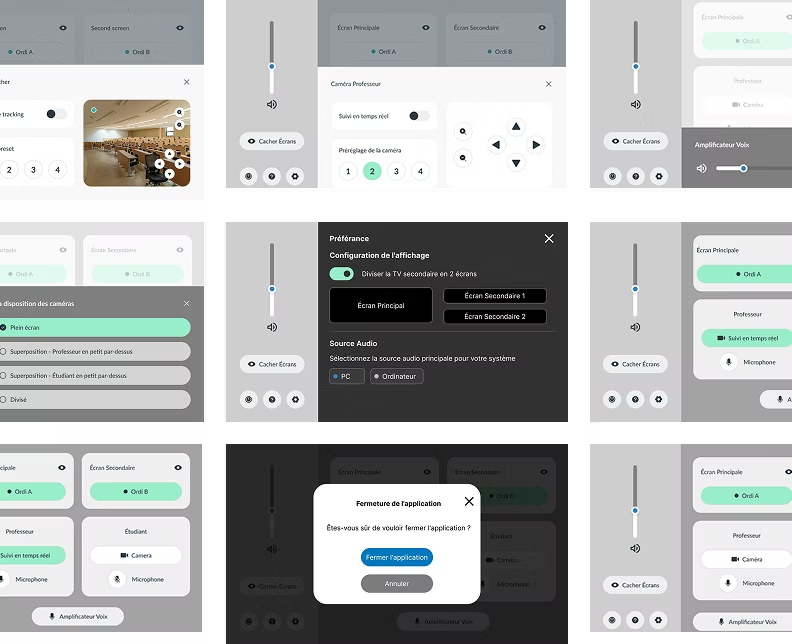
Design Iteration
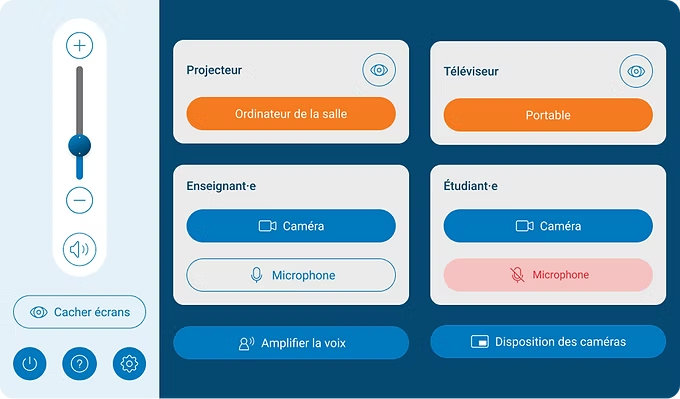
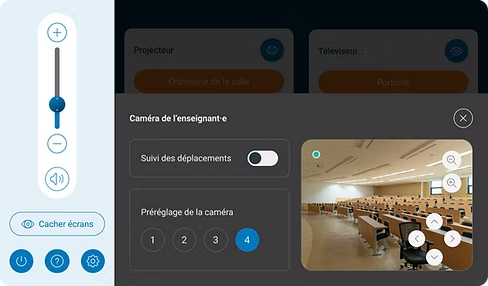
During the design phase, I began with wireframes to focus the conversation on navigation before committing to any visual direction. The goal was to surface the right information at the right moment — showing what is currently on or off, and making the "close screen" or "mute audio" options immediately accessible. The final interface presents only what instructors need, organized around their actual workflow. System status is always visible, all labels use room-oriented language, and advanced options are progressively disclosed through a secondary panel.
Conclusion
After the application was deployed, UQAM's IT department reported a significant reduction in classroom-related support calls. Instructors who had previously required assistance for basic setup were now completing their sessions independently from their very first use of the new interface. The redesign considerably reduced the learning curve for faculty and eliminated the need for frequent technical support, creating a smoother, more autonomous teaching experience in technology-enhanced classrooms.
50%
fewer AV support calls
30 sec
to start a typical class
90%
faculty satisfaction
More work
DoorDash
Designing an Intuitive POS App for Food Delivery Operations
View case studyTOPTAL, AI ENGINEER TEAM
AI Labelling & Annotation Platform
View case studyCirque du Soleil
Design Ticket Purchase Experience
View case studyVIA Rail Canada
Redesigning VIA Rail's Reservation System
View case studySequel.io
Designing a B2B Dashboard and Event Detail View for a Live Event Platform
View case study