
Design systems · 5 min read
Why Your SaaS Needs a Design System (And How to Actually Build One)
Claude Grenier · August 9, 2026
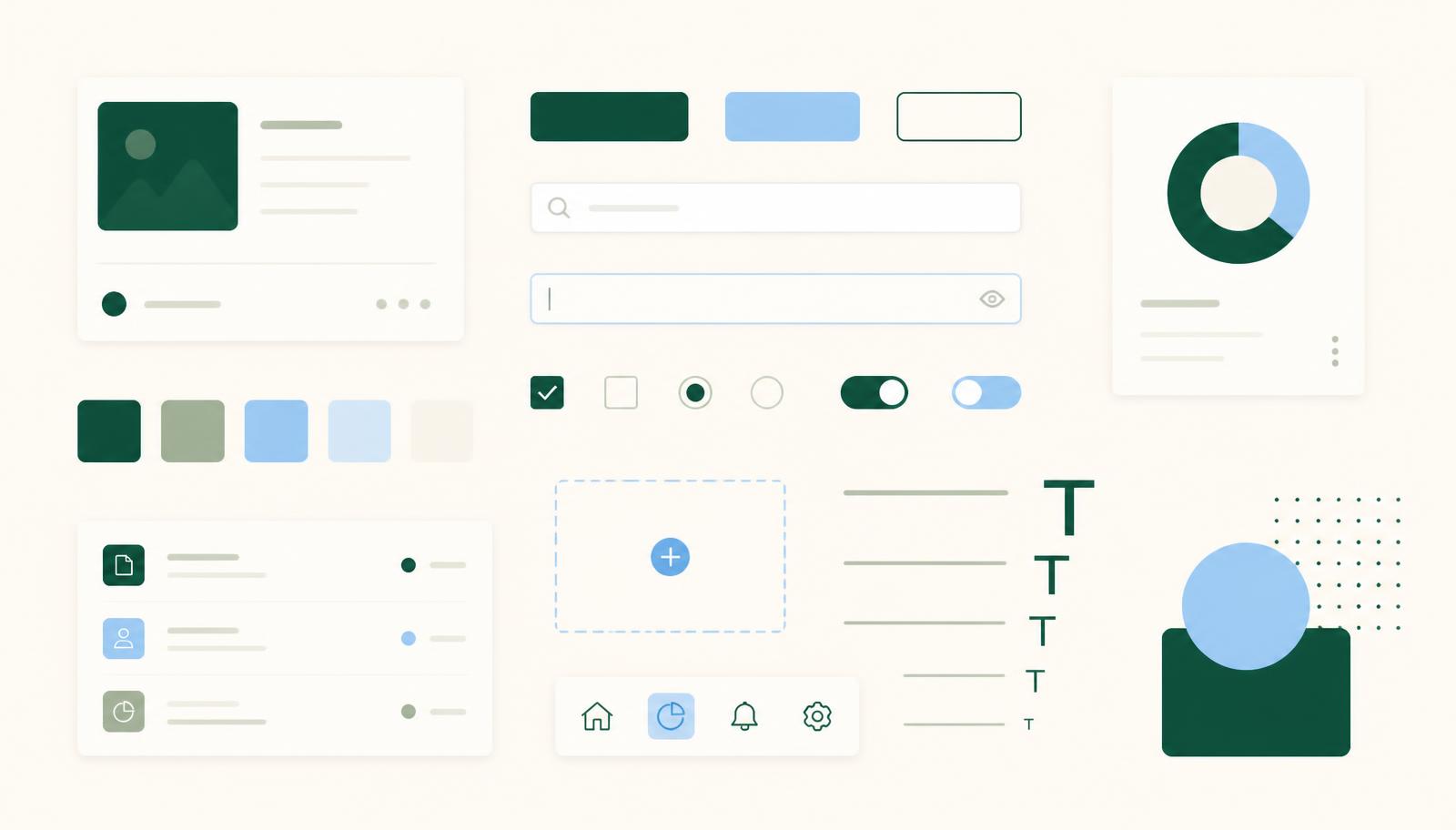
Picture this: your app's buttons don't quite match from screen to screen, the branding feels a little different depending on who built the page, and your developers keep rebuilding the same components from scratch. None of it is broken exactly, it's just... inconsistent. And inconsistency adds up fast.
This is what happens when a SaaS product grows without a design system. It's rarely one big problem. It's a hundred small ones that quietly cost your team time and your users trust.
Here's what a design system actually is, why it matters more as your product scales, and how to start building one, even if you don't have a dedicated design team yet.
What a design system actually is
A design system is more than a style guide with some colors and fonts pinned to a page. It's the single source of truth for how your product looks, feels, and behaves: one place your whole team can point to instead of guessing or re-deciding the same thing twice.
A solid one typically includes:
- UI components: buttons, forms, cards, and the other building blocks your product is made of
- Visual guidelines: typography, color, spacing, iconography
- Interaction rules: how things behave on hover, on error, on load
- Documentation: clear enough that anyone on the team can use it without asking
Tools like Figma have made building and maintaining these far more manageable than they used to be, but the tooling isn't the hard part. The thinking is.
Why it's worth the investment
Building a design system takes time up front, and it's easy to keep deprioritizing it in favor of shipping the next feature. But the return shows up fast once it's in place:
- Consistency: no more guessing which shade of blue is “the” blue
- Speed: reusable components mean less redundant design and dev work
- Scalability: new features build on a stable foundation instead of starting from zero
- Better collaboration: designers, developers, and PMs are working from the same reference point
- A better product experience: a predictable, polished interface is one users trust more
How to start building one
You don't need to solve this all at once. Here's a practical sequence that works for most SaaS teams:
1. Audit what you have. Look at your existing buttons, colors, typography, and spacing across the product. You're not judging it, you're mapping what's working, what's inconsistent, and what's missing entirely. This becomes the foundation for everything after.
2. Define your core elements. From the audit, lock down the essentials: a real color palette (with states like hover and disabled accounted for), a type hierarchy, spacing and grid rules, and a consistent icon set. These are the decisions everything else will be built on.
3. Build reusable components. In Figma (or your tool of choice), start assembling the actual pieces: buttons, inputs, nav bars, modals, cards, and document how each one behaves across states.
4. Document as you go. A design system only works if people actually use it, and they'll only use it if it's easy to understand. For each component, note what it's for, how to implement it, and what to avoid. Tools like Zeroheight or Storybook can help keep this organized as it grows.
5. Bring the rest of the team in. This isn't a designer-only project. Loop in developers early so components translate cleanly into code, product managers to keep it aligned with where the product is heading, and marketing to keep brand language consistent.
6. Treat it as ongoing, not finished. A design system evolves alongside your product. Revisit it regularly, and keep it open to feedback from the people actually using it day to day.
Where AI actually helps in this process
AI tools have become genuinely useful here, not as a replacement for the thinking in steps 1 through 6, but as a way to move through the grunt work faster.
A few places it earns its keep:
- Speeding up the audit. Feeding screenshots of your existing product into an AI tool can help surface inconsistencies faster than eyeballing every screen yourself, flagging the seven slightly different shades of “primary blue” you didn't realize you had.
- Generating a first draft of components. AI-assisted tools in Figma can spin up variants of a button or card faster than building each state by hand, giving you something to react to and refine rather than starting from a blank frame.
- Writing documentation. Turning a finished component into clear usage guidelines is exactly the kind of writing AI is good at drafting from a rough outline, saving you from staring at a blank doc.
- Keeping naming and structure consistent. As your token and component list grows, AI is useful for catching naming drift (primary-blue vs blue-primary vs brandBlue) that's tedious to track by hand.
The caveat: AI can accelerate the mechanics, but it can't make the judgment calls that actually make a design system good: what your brand should feel like, which trade-offs matter for your users, how strict to be about consistency versus flexibility. That part still needs a human who understands your product. Think of AI as a way to get to the interesting decisions faster, not a way to skip them.
When it makes sense to bring in outside help
Some teams build this internally, and that's completely doable with the process above. Others don't have the bandwidth or in-house expertise to do it well while also shipping product, and that's usually when it's worth bringing in a consultant who's done this before.
The value is mostly about speed and avoiding rework: someone who's built design systems for SaaS products before can move through the audit and foundational decisions much faster, help make choices that scale as the product grows, and get your team trained to actually maintain it afterward, rather than watching it go stale six months later.
A design system isn't really about tidiness for its own sake. It's about removing friction, for your team building the product and for the people using it. Start small, stay consistent, and let it grow with you.